Overview
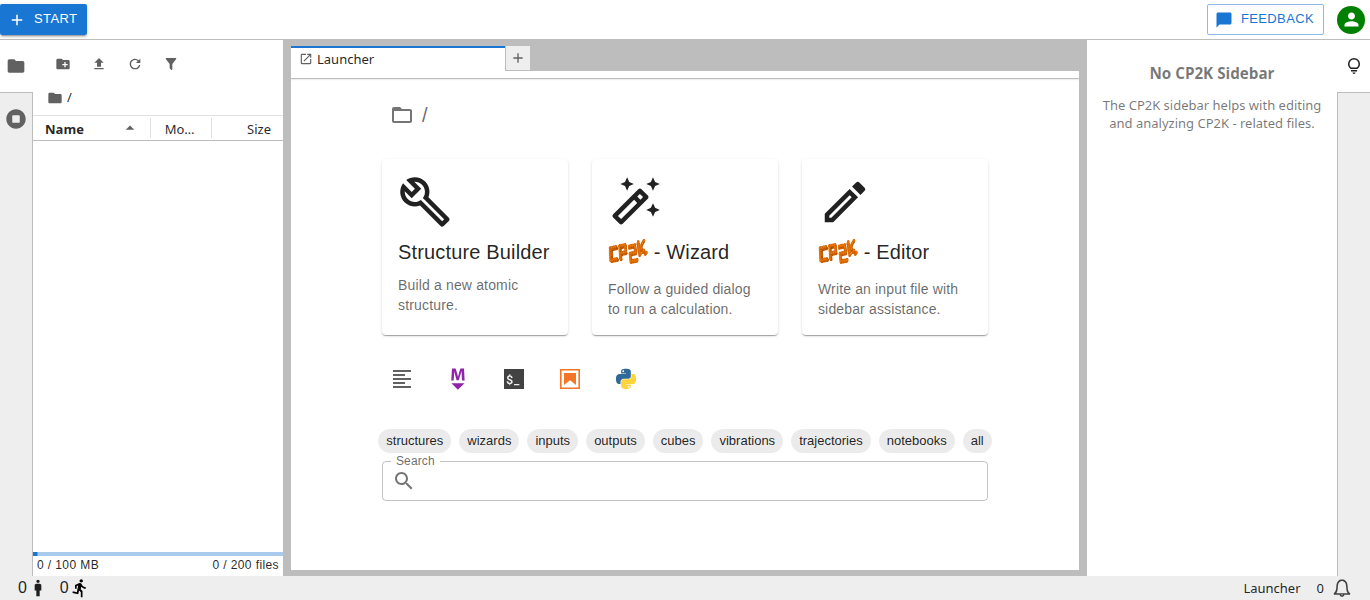
The CP2K-Lab interface consists of a main work area and collapsible sidebars on either side.
Main Area
The main work area allows to freely arrange apps into panels of tabs:
Dragging a tab to the center of a panel moves it to that panel.
Dragging a tab to the left, right, top, or bottom of a panel splits that panel.
Dragging the separator between two panels resizes them.
The work area has a single active tab that is highlighted with a blue top border. The content of the sidebars changes depending on the active tab.
Launcher
The launcher is always accessible via the “+”-button at the end of every tab row and through the big blue start button at the top left corner.

The launcher starts new apps - typically by creating a new untitled file. To find and open existing files the search bar at the bottom can be used.

Left sidebar
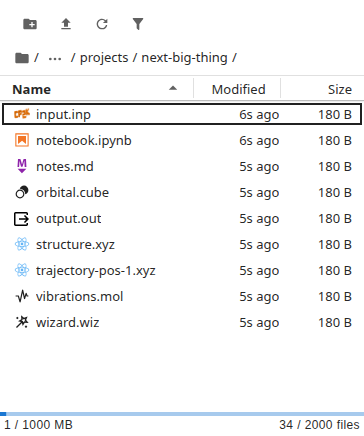
The left sidebar contains the file browser and the manager of running terminals, kernels, and active jobs. The bottom of the file browser also shows the storage quota usage.
Right sidebar
The right sidebar provides assistance for the active tab if available. Currently supported apps are the CP2K Editor and the Output Browser.
Account menu
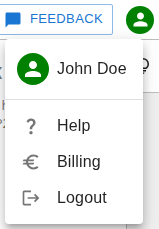
The account menu in the top right corner leads to these docs, billing, and logout.