Structure Builder
The structure builder is an app for constructing and manipulating atomic structures.
Toolbar
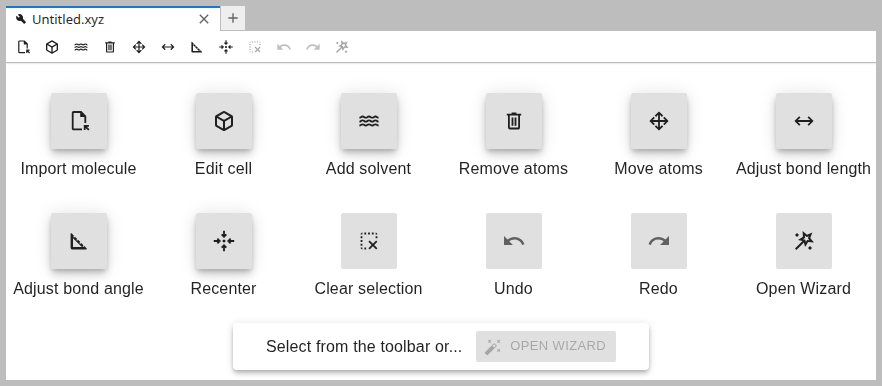
The builder is comprised of several tools that can be selected from the top toolbar. When the builder is invoked on an empty file, e.g. from the launcher, it opens with a welcome screen that describes all available tools:
Changes and undo
Every tool provides a preview and the change is only finalized after clicking Apply. A tool can be aborted at any time by clicking Cancel or selecting a different tool. While the app is still open, past changes can be reversed via the Undo tool.
Atom selection
Some tools require the selection of atoms. The order in which atoms are selected matters. The first atom is always the one to be modified.


Solvate tool
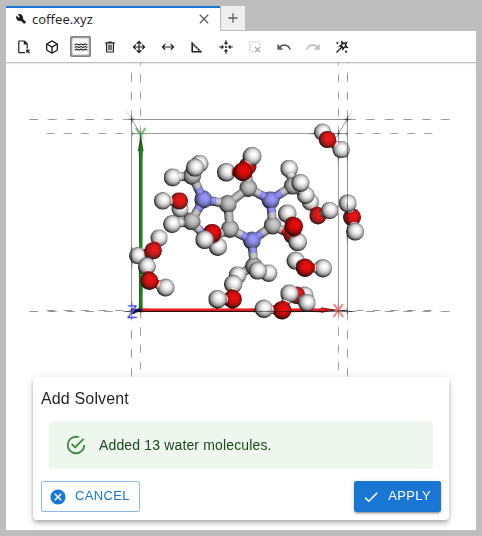
The solvate tool is a convienient way to add liquid water to a system. It uses the gmx solvate command from Gromacs in the back.
Open Wizard
When a structure is ready for simulation, one can easily move on to the CP2K Wizard:
