CP2K Wizard
The CP2K wizard is an app to quickly setup common simulations.
The wizard’s settings are grouped into sections. Each of the cards summarizes a section. Clicking on a card opens the corresponding section for editing.
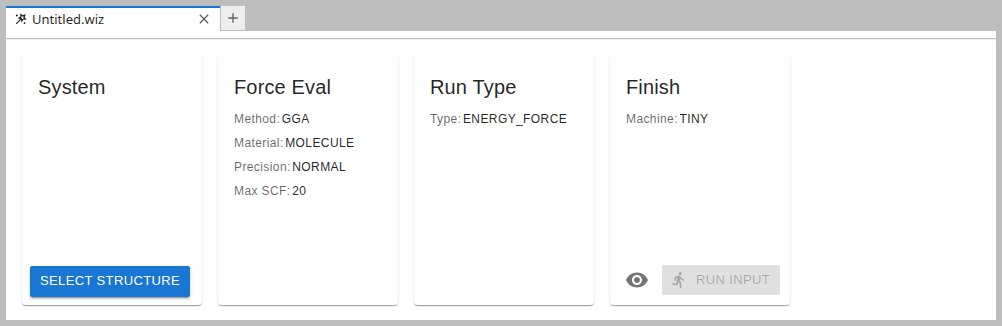
Sections
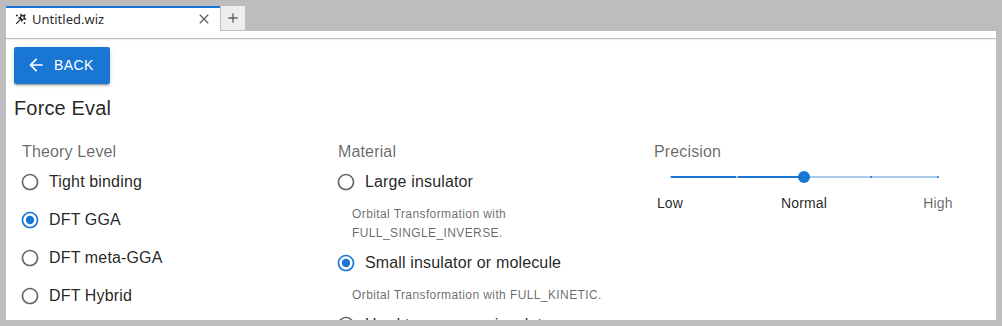
The individual sections are meant to be self-documenting and are therefore not further described here. Clicking on the BACK button in the top left corner exits a sections and returns to the overview.
Finish
After a structure has been selected and all settings are in place, the wizard can be finished:
Clicking on Run Input submits the calculation directly to the job queue.
Clicking the Preview icon generates the input file and opens it in the CP2K Editor where further modification can be made.